Transcription only
Use Whisper to turn speech into source-language SRT with timecodes.
For meetings, interviews and lessonsFeatures
Choose how to process your media based on the output you need. Speech recognition runs locally. Polishing and translation use your configured model.
Use Whisper to turn speech into source-language SRT with timecodes.
For meetings, interviews and lessonsUse your chosen model to refine phrasing and punctuation while retaining the source language and timeline.
For cleaning up spoken materialChoose a target language, compare both versions on the same timeline, and optionally export the source-language file too.
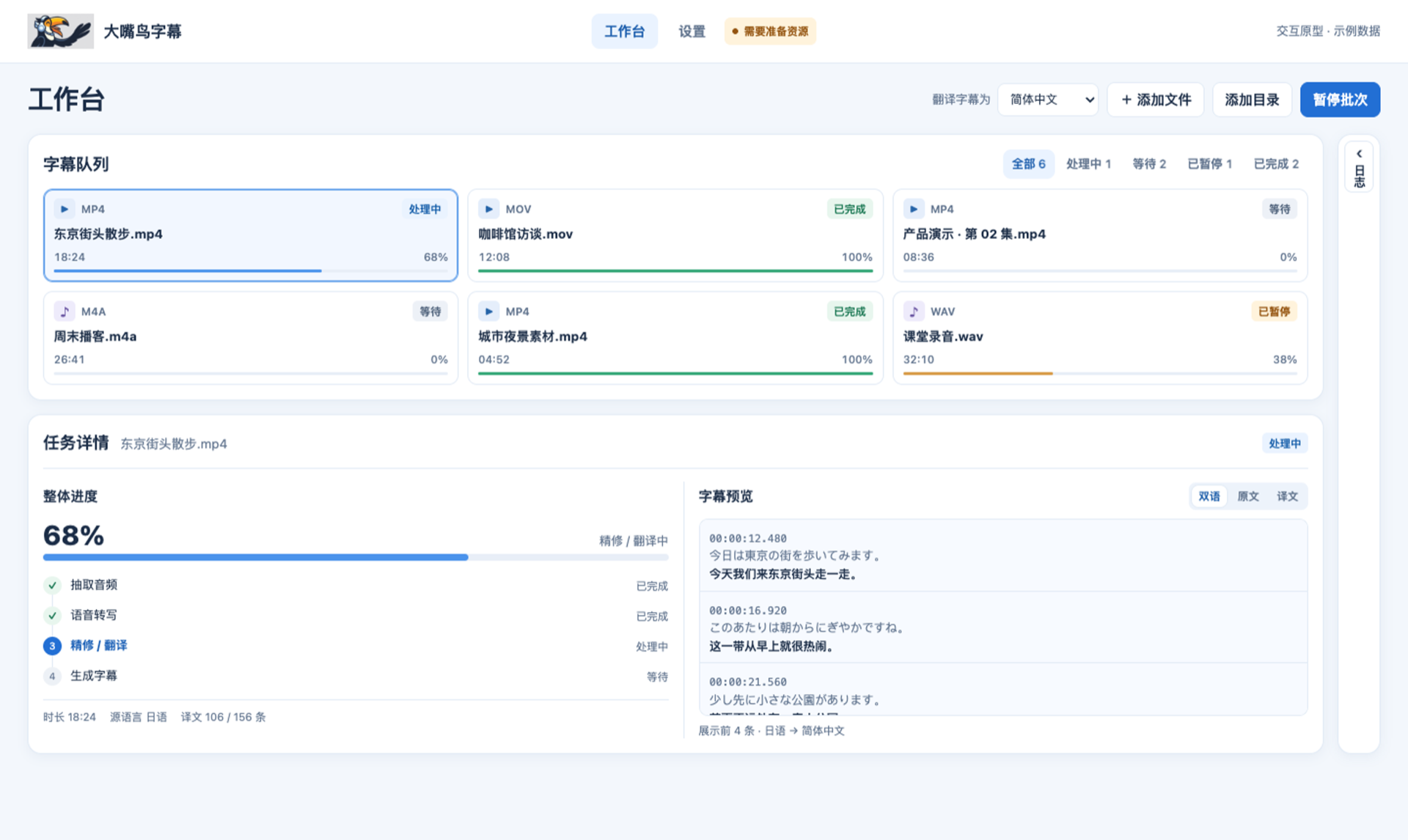
For foreign-language videos and bilingual deliveryJob workspace
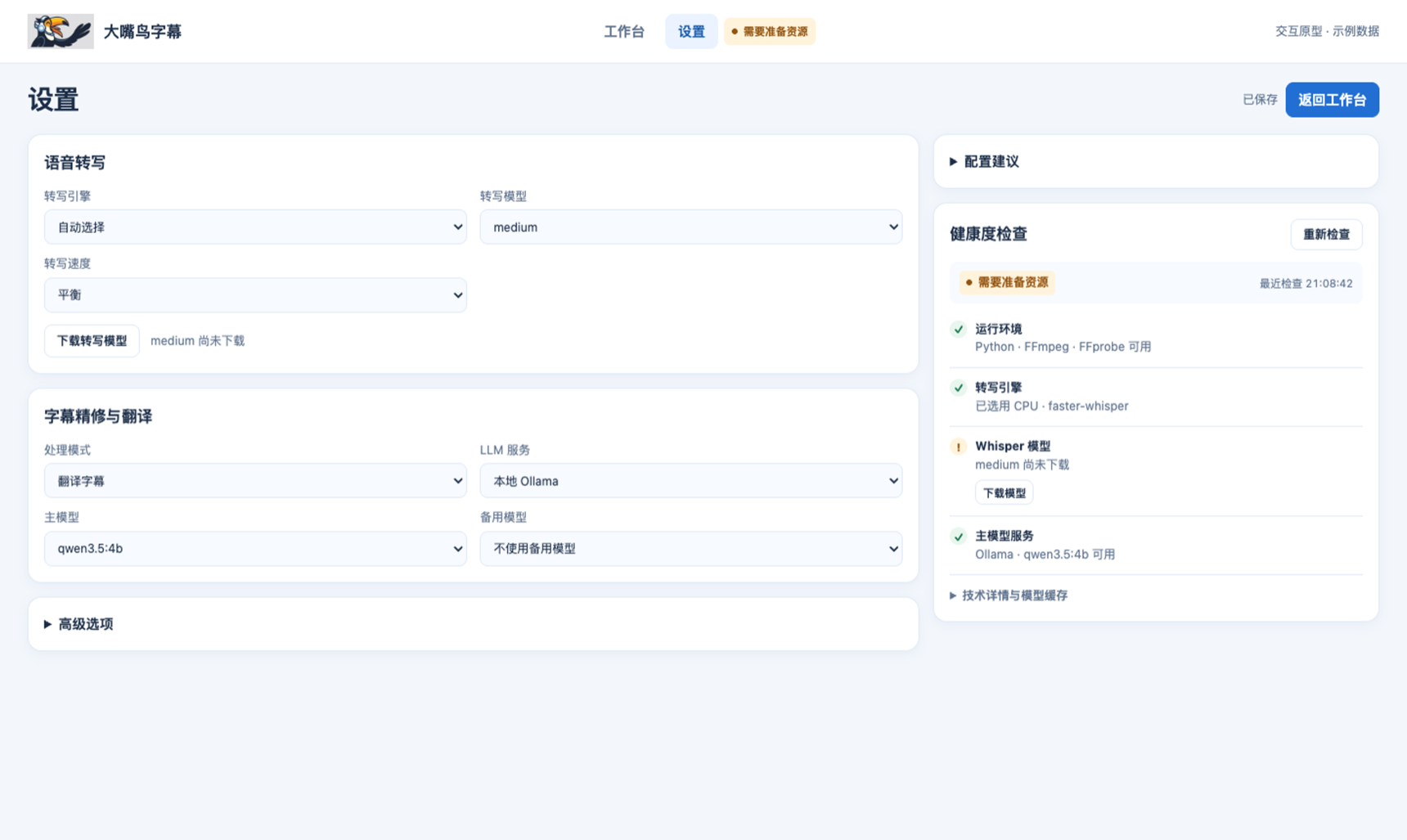
Models and health checks
No large language model is bundled with the app. To polish or translate subtitles, install Ollama and download a model, or supply your own API key for an OpenAI-compatible cloud service.
Transcription uses separately downloaded Whisper weights and requires neither Ollama nor an API key.
Check the runtime, engine, weights and language model in Settings.
View setup steps ↗